Image to ASCII art converter
Upload a photo or logo and get ASCII art you can copy as text or save as PNG. Free, no sign-up, and the image never leaves your browser.
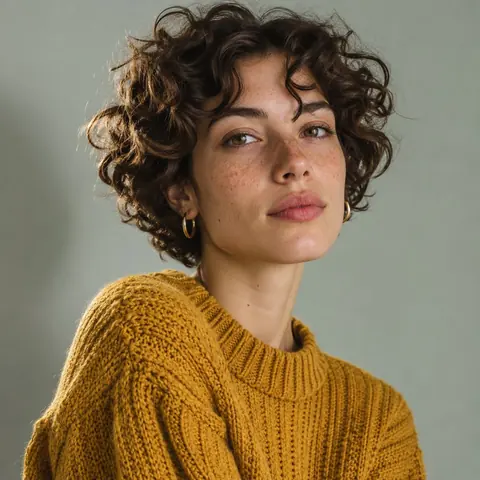
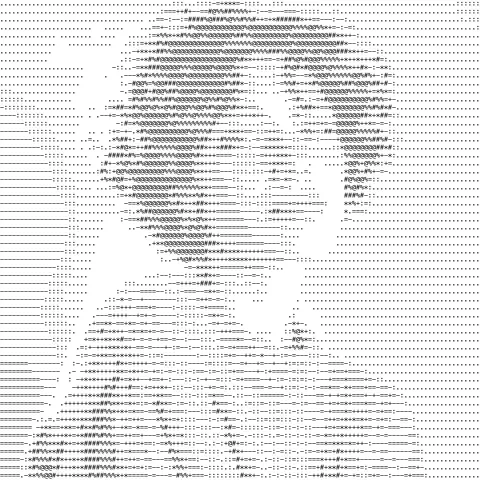
Image to ASCII art examples
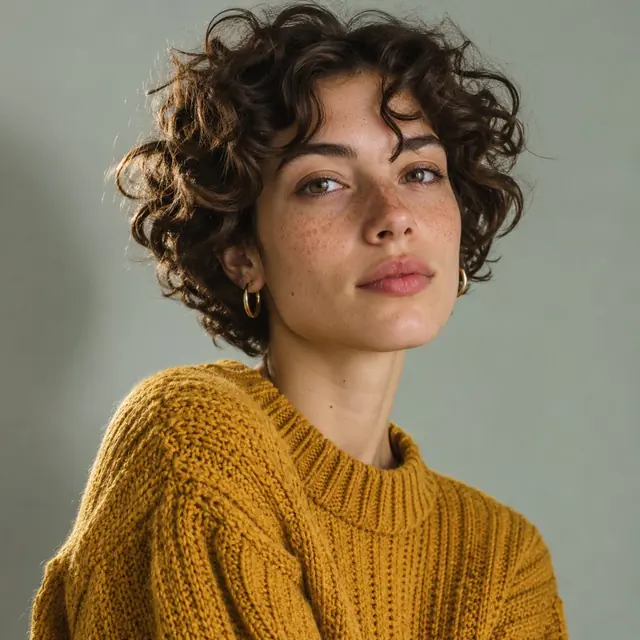
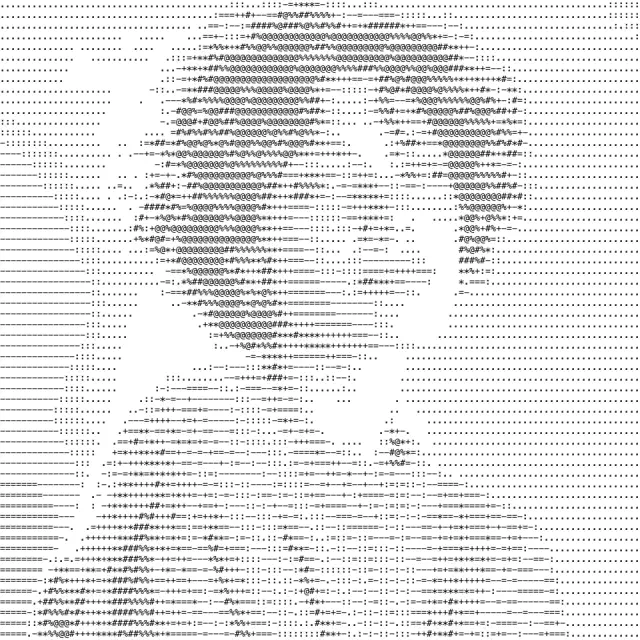


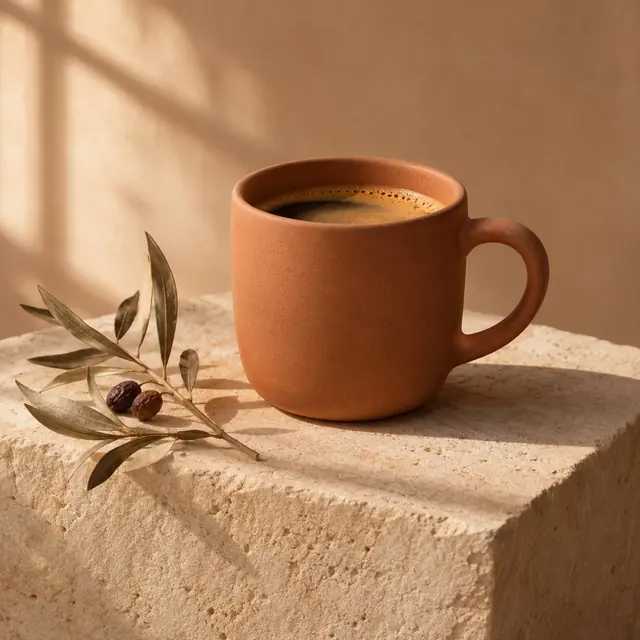
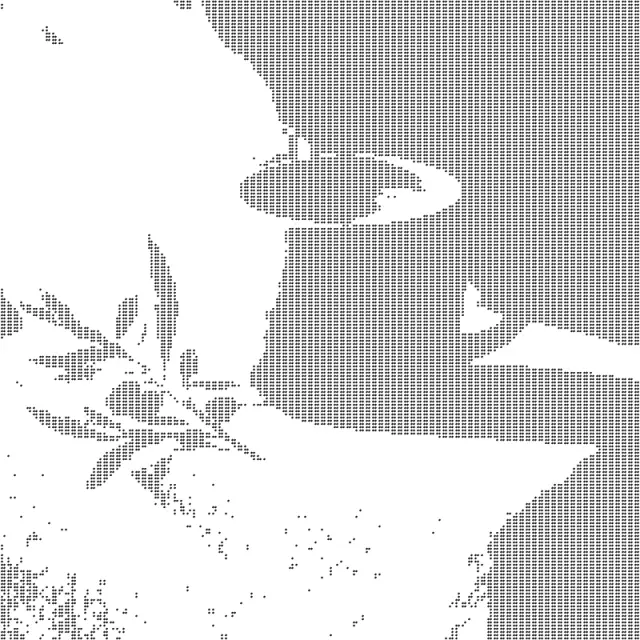
How to turn an image into ASCII art
- Upload or paste an image
Photos with clear light and dark areas and logos on a plain background work best.
- Pick characters and width
Braille dots show the finest detail. Raise the contrast if the picture looks flat.
- Copy or download
Paste the text into Discord, a README or a code comment, or save it as PNG or TXT.
Image to ASCII FAQ
Is this image to ASCII converter free?
Yes. Converting, copying and downloading are free, with no account and no watermark.
How do I make ASCII art with color?
Turn on Color. Each character takes the color of that part of the image. Color is kept in the PNG download; copied text and TXT files are plain characters, because chat apps and text files carry no color.
Why does my ASCII art look broken when I paste it?
ASCII art needs a monospace font, where every character has the same width. In Discord, Slack or GitHub, paste it inside a code block (three backticks before and after) so the spacing stays fixed.
What does the Braille option do?
It draws with Unicode braille characters. Each one is a 2 × 4 grid of dots, so the picture keeps far more detail at the same width. Braille art pastes well into Discord and Steam.
Which width should I pick?
60 to 80 characters fits a chat message or a terminal window. 120 to 200 keeps more detail for a PNG or a wide text file.
When should I turn on Invert?
When the text will sit on a dark background, such as a terminal or Discord's dark theme. Invert swaps which characters stand for light and dark areas.
Is my image uploaded to a server?
No. The conversion runs in your browser and the image stays on your device.